Moving my photos from Nextcloud to Immich
A fried at my local hackerspace recommended I try Immich for managing my photos. I had for the longest of time been complaining about how slow Nextcloud is when it comes to photo management. The map took literal 20 seconds to load because of a N+1 query issue on very capable hardware, the phone app OOM and crash loading the folder containing thousands of photos and the browser UI insists on querying everything before loading the actual imagee I want to see. It was painful and I wanted alternatives.
Installing Immich was a bit of a journey, mostly because I did not want to use Docker and had to deal with someone's AUR packages. The immich-server package installs Immich as proives a well configured systemd service, but the Arch Wiki did not really tell you how to set it up properly beyond "create a postgres DB and name it".
The default Immich configuration looks like the following
DB_HOSTNAME=localhost
DB_USERNAME=immich
DB_PASSWORD=somepassword
DB_DATABASE_NAME=immich

REDIS_HOSTNAME=localhost

IMMICH_MEDIA_LOCATION=/var/lib/immich/upload

IMMICH_MACHINE_LEARNING_ENABLED=true

# DISABLE_REVERSE_GEOCODING=false
# REVERSE_GEOCODING_PRECISION=3

IMMICH_MACHINE_LEARNING_URL=http://127.0.0.1:3003

MACHINE_LEARNING_CACHE_FOLDER=/var/lib/immich/.cache
Which you'd thinkg pointing /var/lib/immich/upload to the real storage location would be enough. It... had good systemd configurations that limits where Immich can write to. By default it sets the following in the systemd service file:
ReadWritePaths=/tmp /var/tmp /var/lib/immich/upload /var/lib/immich/.cache
Which also needs to be edited to allow write to the real storage location. Also Immich will check for expected folder structure and a hidden .immich file for some reason. Remember to copy the default structure from /var/lib/immich/upload to your real storage location with rsync to make it work. Else cp -r will not copy the hidden .immich file and Immich will refuse to start.
Afterward, run Immich with systemctl start immich-server and it should work. Now you can setup your reverse proxy, SSL and get your account setup. Afterwards migrating photos from Nextcloud to Immich was easy with immich-go, a go CLI for Immich. Grab an API key from your Immich account
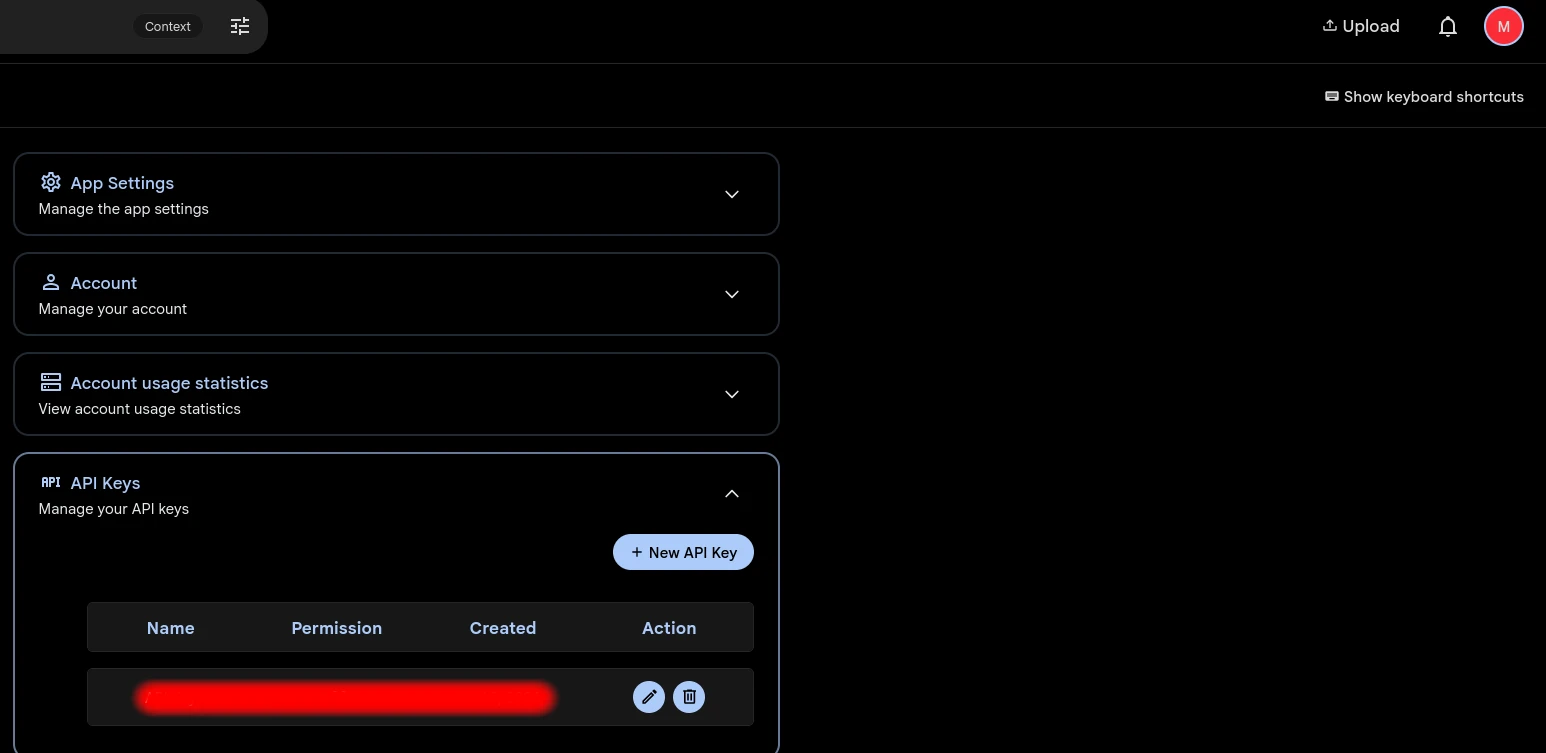
Then the mass uploading.
sudo immich-go upload from-folder \
    --server=http://localhost:2283 \
    --api-key=<your-api-key-in-settings> \
    --recursive /path/to/your/nextcloud/data/folder/and/photos
For large folders this may need several tries to get everythign through, I suppose because of how Immich deals with task congestion (you can upload faster then Immich can process the images). For me it takes 2 runs, but Immich will helpfully not re-upload images that have already been uploaded, so you can just run the command again and it will pick up where it left off.. sort of. The API does hash checking so it's not as free as I'd like but good enough.
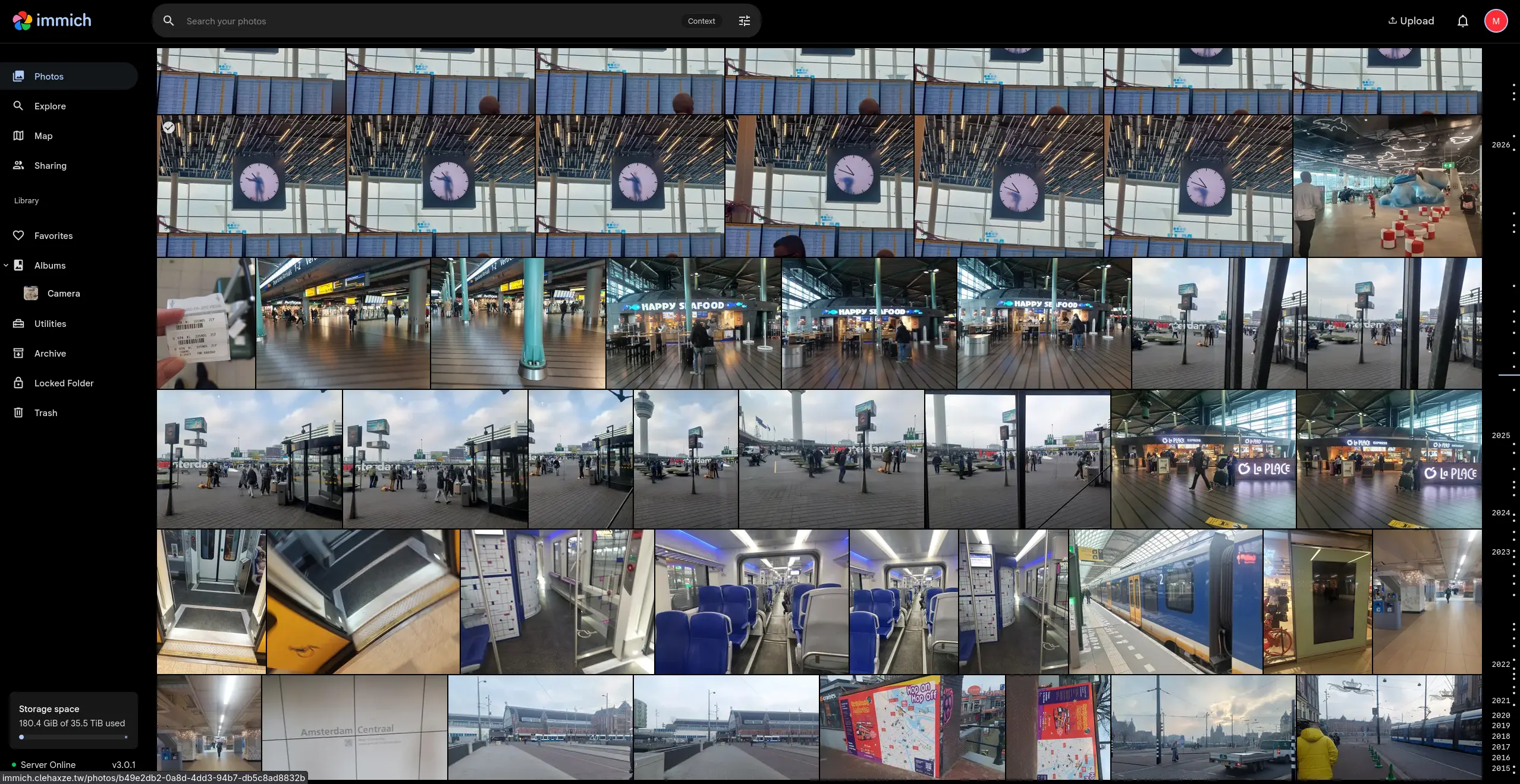
And..... Immich is SO MUCH FASTER than Nextcloud. It loads instantly and the UI is beautiful. The map loads in less then a second and I can just scroll around by album without worrying about browswer OOMing. For privacy reasons I picked a random time in my photots that are just pictures of public places. The UI is great and no crashing the browser anymore!